Stay in the Loop
You’ve submitted an inquiry. Now what?
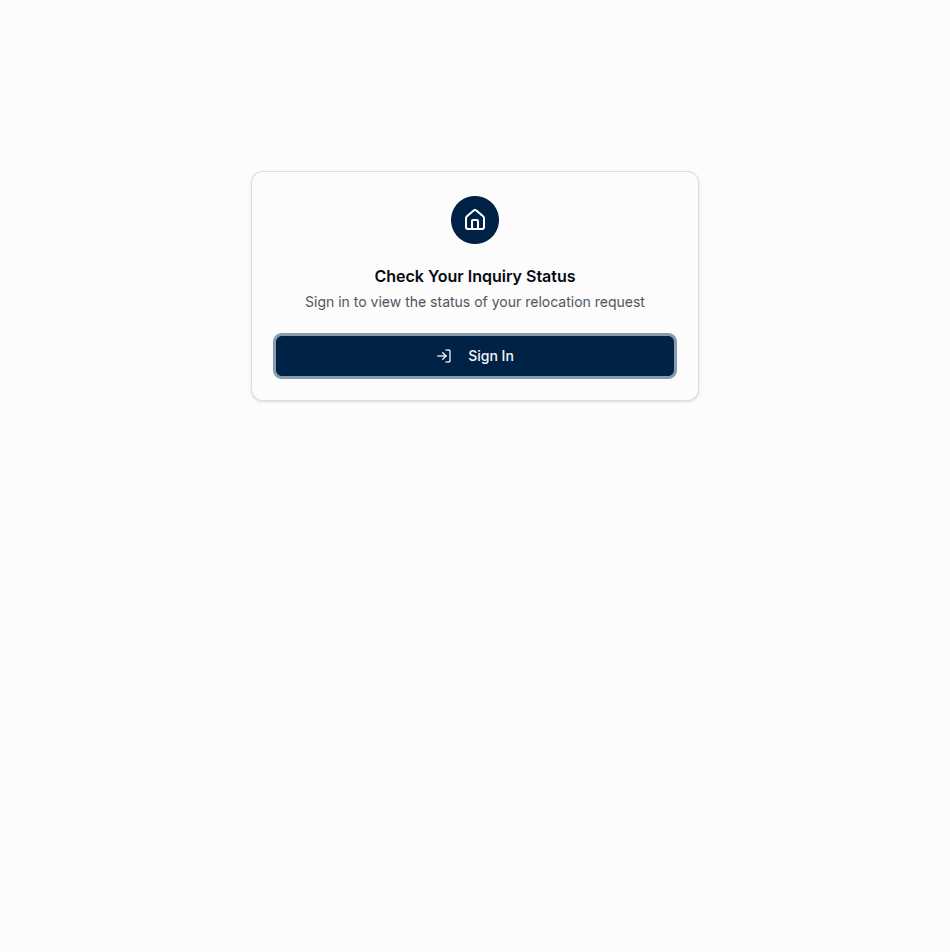
The “My Inquiry” page is your personal dashboard for tracking your relocation request. Instead of wondering if your message got through or whether anyone’s working on your case, you can log in and see exactly where things stand.
This is your space—a private view of your inquiry journey from first contact to successful connection.
See Your Status at a Glance
Once you’re logged in, you’ll see everything about your inquiry in one place:
Your current status tells you exactly where things are:
- New means your inquiry just arrived and is waiting for broker review
- Contacted means your assigned broker has reached out
- In Progress means you’re actively working together
- Closed means the inquiry has been resolved—hopefully with you in your new home!
Your county reminds you which area you inquired about, in case you’ve submitted multiple requests during your search.
Your broker shows you who’s handling your inquiry—their name, brokerage, and contact information. No more wondering who’s on the other end.
A Clear Path Forward
Relocating is stressful enough without wondering if your real estate search is actually moving forward. This page gives you visibility into a process that’s usually invisible.
When your broker reaches out, your status updates. When you’ve exchanged messages, they’re visible here. When your inquiry wraps up—whether you’ve found your home or decided to go a different direction—that closure is reflected too.
It’s not complicated. It’s just clear.
Secure and Private
Your inquiry details are yours alone. The page requires authentication because relocation information is personal—where you’re moving, when, what you’re looking for. That data deserves protection.
We use industry-standard secure authentication to verify your identity. Once logged in, you’ll only see your own inquiries. Brokers can’t see other families’ information. Admins can’t share your details without purpose.
Privacy isn’t an afterthought here—it’s built into every layer.
Communication That Persists
Sometimes the broker-customer relationship needs more than a single phone call. Maybe you have questions as you learn more about the area. Maybe your timeline shifted. Maybe you just want to share that you found the perfect house.
The inquiry page keeps those communications organized. Instead of hunting through email threads or trying to remember what you discussed last week, you have a single place where the conversation lives.
Getting Started
If you’ve already submitted an inquiry, here’s how to access your status:
- Click “My Inquiry” in the site navigation
- Sign in using the credentials from your confirmation email
- View your status and any messages from your broker
- Update your details if your timeline or contact info has changed
First time? When you submit an inquiry through the map, you’ll receive an email with instructions to set up your account. It only takes a minute, and then you’ll have access to track your inquiry from that moment forward.
Your Peace of Mind
Moving is a major life event. Between logistics and emotions and everything else, the last thing you need is uncertainty about whether your real estate connection is actually happening.
This page exists to give you that peace of mind. Your inquiry is in the system. Someone is assigned to help. And you can check on it anytime you want.
Your new hometown is waiting. We’re just here to help you get there.